
Problem: A customer recently called us because they heard an echo or their voice when using their Plantronics CS55 wireless headset. It was working fine yesterday and now all of a sudden this echo appeared.
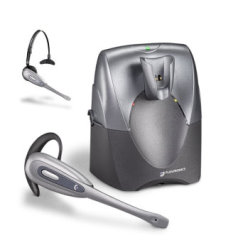 Solution: This is a problem that customers have had with their Plantronics CS55 wireless headsets and other similar wireless models (e.g. CS70N, CS351N) and a simple fix is to make sure the compatibility dial, located to the left of the base, is properly set. The indicator, set at 3 o’clock, normally points to #1 (that covers 90% of phones) on that dial but you may need to use one of the other 3 settings for optimum clarity. It should never be set between numbers. The right compatibility setting is crucial to the proper operation of your Plantronics CS55 wireless headset. On occasion you or someone else in your office may bump the unit and not realize the the dial has been slightly turned.
Did you know? The new CS540 Wireless Headset that replaced the CS55 is the lightest in the industry? It weighs only 21 grams!
Go to windows Sound Setting. Go to Recording Tab. Right Click on the headset and select properties. Click on Listen tab. Un-check “Listen to this device” checkbox.
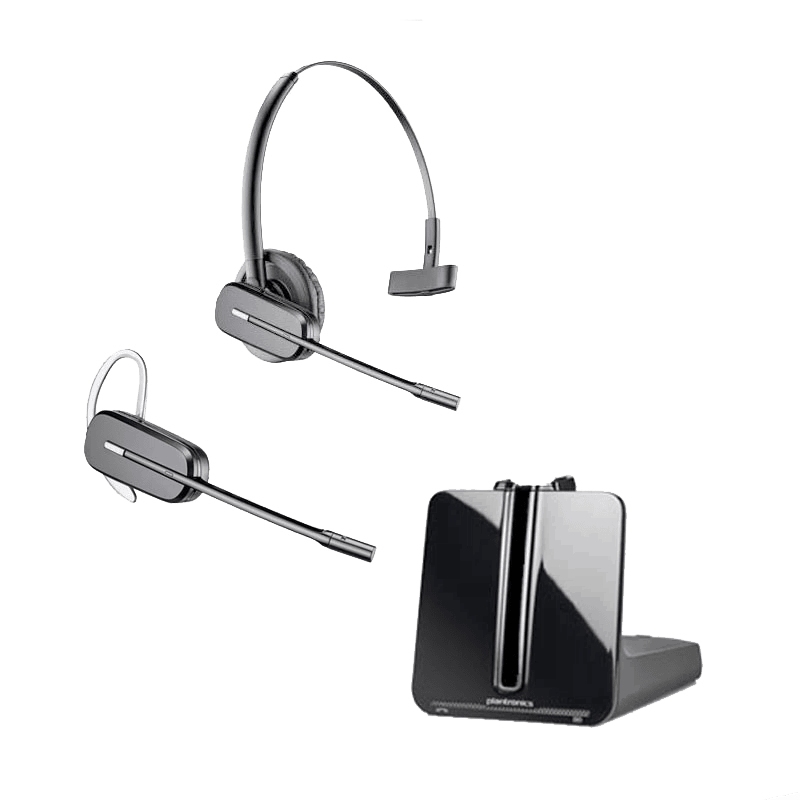
This is the probably our most frequently asked question in our call center: How do I get rid of the echo with my Plantronics wireless headset (i.e. CS540, CS530, CS510, CS520, CS545, W710, W720. W730, W740)?
I have my customers telling me they hear a echo when they talk to me & I hear a ping sound on my end. What can I do to fix this??
I have a NEW Plantronics Supraplus HW251N
It sounds like your bottom cable may be the incorrect cable or if using an amplifier, the mic needs to be turned down. Check to confirm the compatibility of your bottom cable and your telephone.
I have the same problem my own echo!! This happens in many places in my company. Headsets working fine with one Avaya model, using the recommended cable, starts with the echo problem when changing to another Avaya different model use the new recommended cable. Any solution?
Echo can often be caused by the phone volume and headset volume fighting between each other (they’re both amplifiers). Try turning the speaker volume all the way down on one device, and let the other have complete control. If it doesn’t help, flip-flop which one is turned down and which one has control.
I had BOTH issues, I heard my own echo with one set, then my callers heard themselves when I switched the bases out.
Followed the above instructions, EASY, and everything worked out perfect.
Just took heed to the suggestions here and everything worked out fine good intelligence thanks
I have a c052 headset and this worked great- like Philip I had someone stay on the line with me, turned down the microphone setting and it worked instantly! Thanks!
I had users complaining that they heard their voice echo when speaking with me while I was on my cs70 headset. Got one of them on the phone and went through the above suggestions and voila, no more echo. Worked for me-thanks!
I hear an echo and i tried the solution that was posted on you site and it didn’t work. I there something i can try?
Sometimes a headset will echo if a volume level is too high, could be listening or mic volume. Standard mic volume setting on bottom of base is “B”, then adjust using up / down buttons on upper back of base to fine tune.
You can also adjust your listening volume on back, “1” is the loudest. If adjusting volume doesn’t help, try a system reset.
https://www.headsetsdirect.com/reset-plantronics-cs55-wireless-headset/