

Your Best Choice For Wireless Headsets and Wired Headsets
• Headset / IT specialists since 1996
• Shipping From Multiple Manufacturer Fulfillment Centers for Greater Inventory
• Authorized Dealers (Unlike 3rd party sellers on Amazon, eBay, etc.)
• Guaranteed genuine product with full warranty and support
• Real people to simplify solutions, verify compatibility and meet delivery deadlines
• A+ rating with the Better Business Bureau
Wireless Headsets for Your Office Desk Phone (In Stock):
-
$243.97
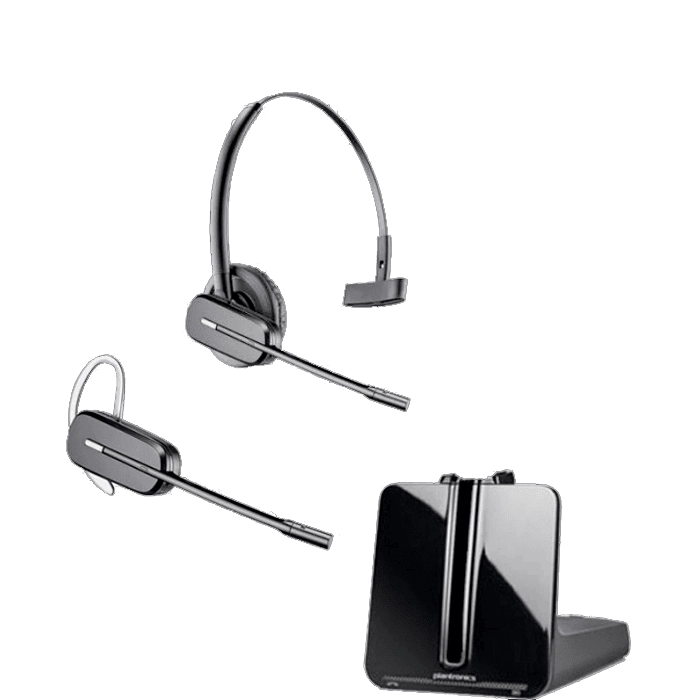 Poly CS540 Wireless Headset
(Desk Phone)
Add to cart
Poly CS540 Wireless Headset
(Desk Phone)
Add to cart -
$228.37
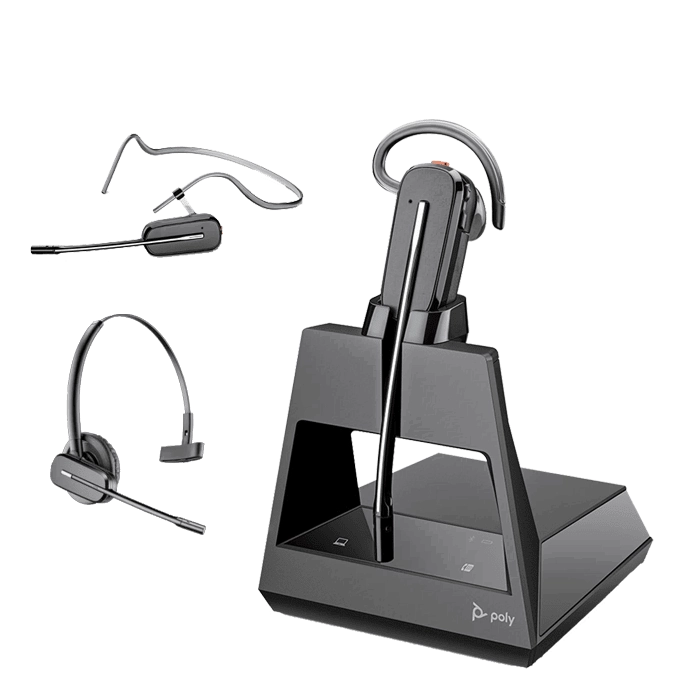 Poly Voyager 4245 Office Convertible Headset
(Desk Phone + PC + Mobile) & Teams Version
Select options
Poly Voyager 4245 Office Convertible Headset
(Desk Phone + PC + Mobile) & Teams Version
Select options -
$250.88
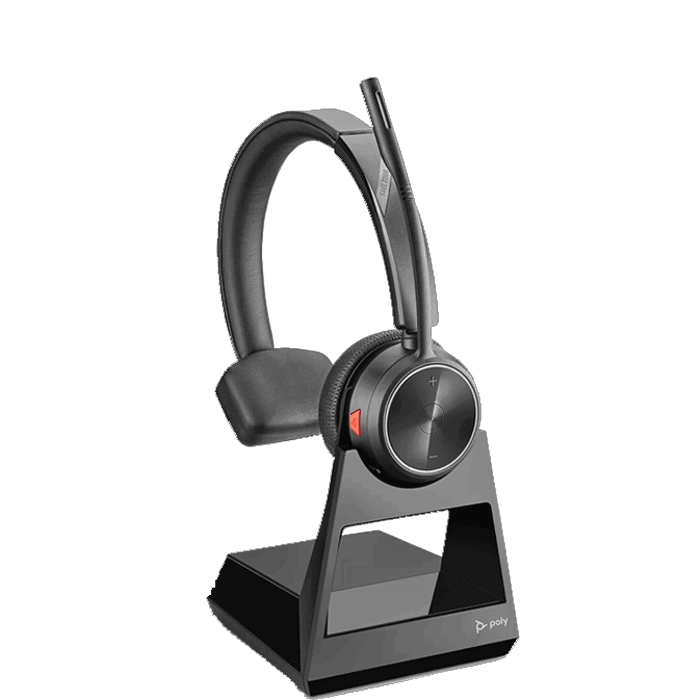 Poly Savi 7210 Wireless Headset
(Desk Phone)
Add to cart
Poly Savi 7210 Wireless Headset
(Desk Phone)
Add to cart -
$288.00
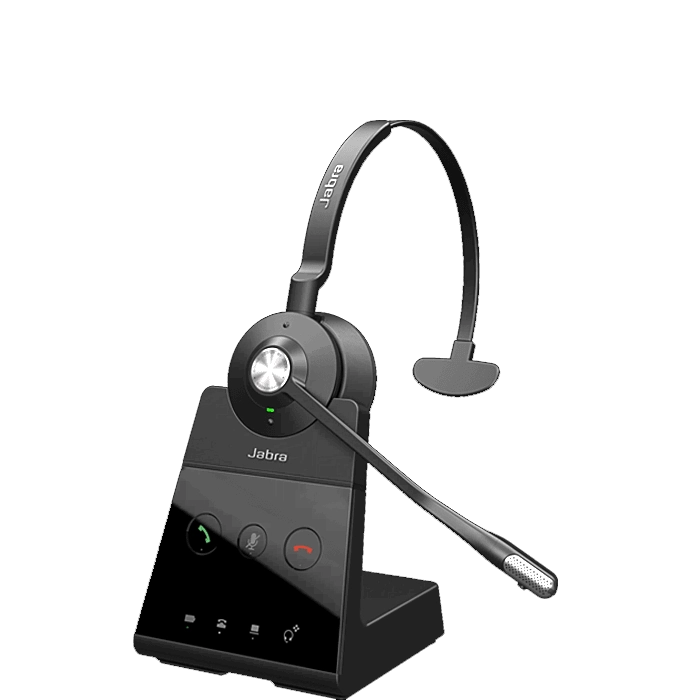 Jabra Engage 65 Mono Wireless Headset
(Desk Phone + PC)
Add to cart
Jabra Engage 65 Mono Wireless Headset
(Desk Phone + PC)
Add to cart
Wireless Headsets for Your Softphone/VoIP Computer (In Stock):
-
$132.22
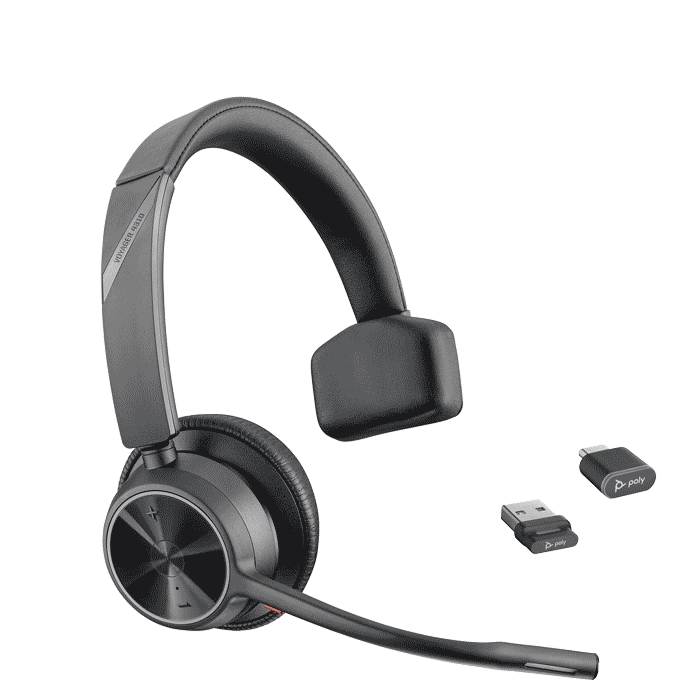 Poly Voyager 4310 UC Headset
(PC + Mobile) & Teams Version
Select options
Poly Voyager 4310 UC Headset
(PC + Mobile) & Teams Version
Select options -
$189.00
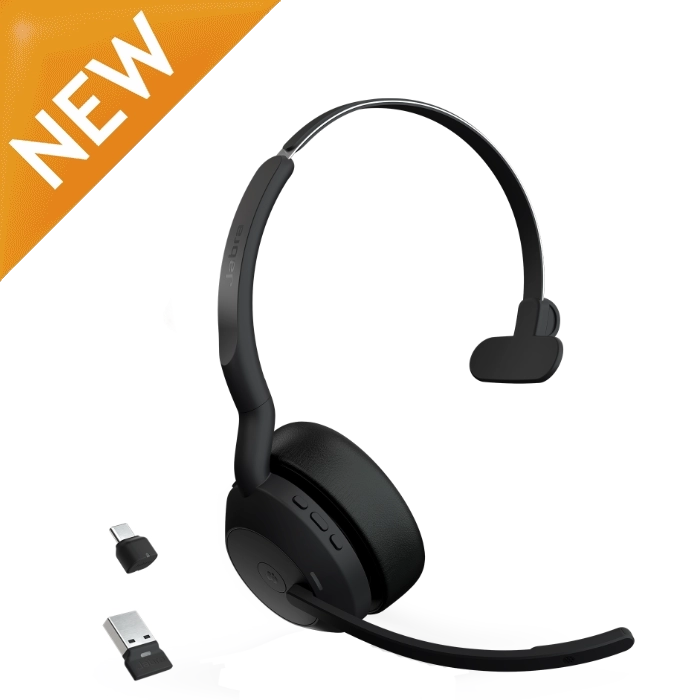 Jabra Evolve2 55 Mono Headset
(PC + Mobile) & Teams Version
Select options
Jabra Evolve2 55 Mono Headset
(PC + Mobile) & Teams Version
Select options -
$219.98
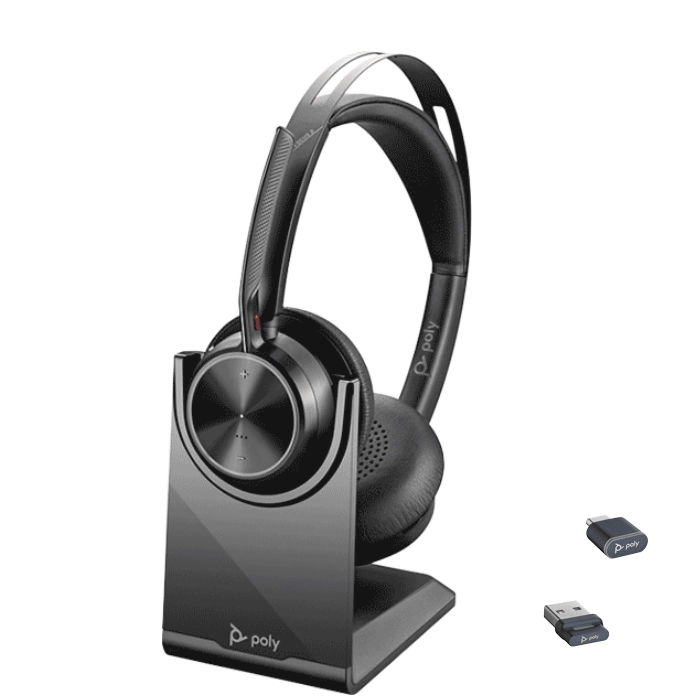 Poly Voyager Focus 2 UC Headset (w/Stand)
(PC + Mobile) & Teams Version
Select options
Poly Voyager Focus 2 UC Headset (w/Stand)
(PC + Mobile) & Teams Version
Select options -
$311.42
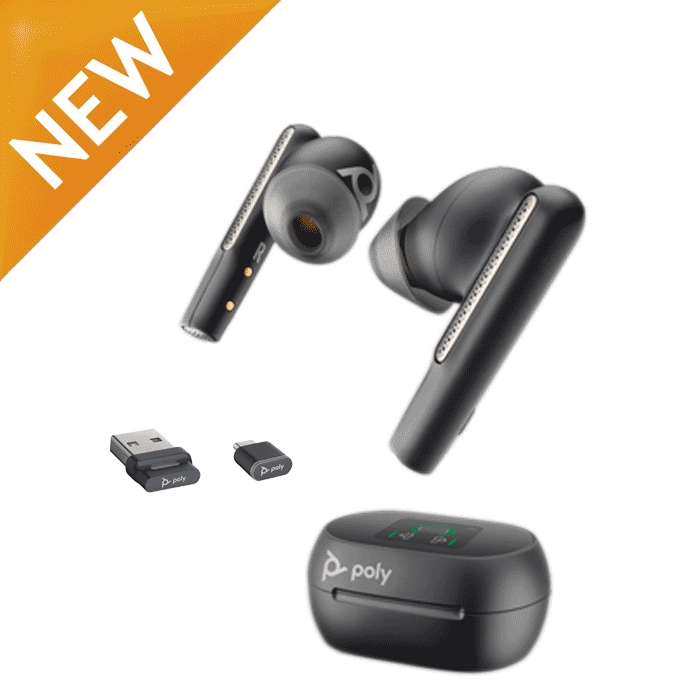 Poly Voyager Free 60+ Wireless Earbuds
(PC + Mobile) & Teams Version
Select options
Poly Voyager Free 60+ Wireless Earbuds
(PC + Mobile) & Teams Version
Select options
Corded Headsets for Your Softphone/VoIP Computer (In Stock):
-
$35.02
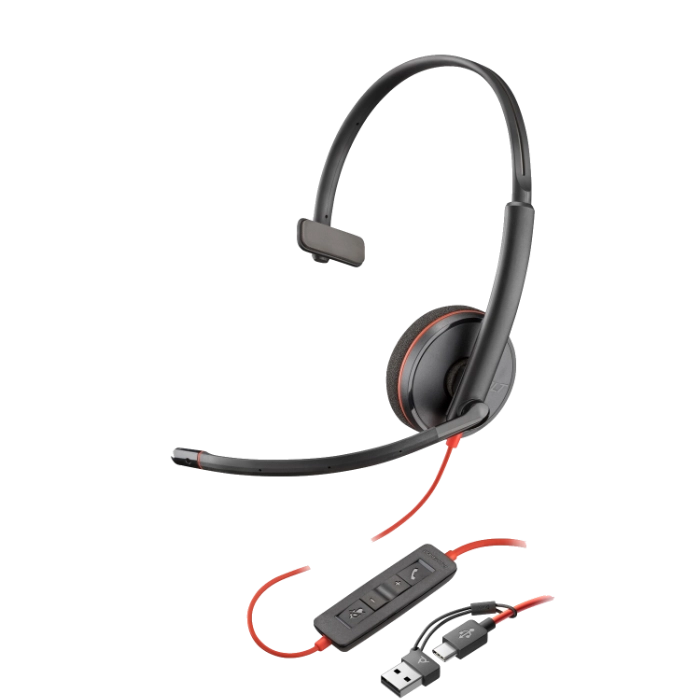 Poly Blackwire 3210 USB Headset – 8X214AA
(PC)
Add to cart
Poly Blackwire 3210 USB Headset – 8X214AA
(PC)
Add to cart -
$147.86
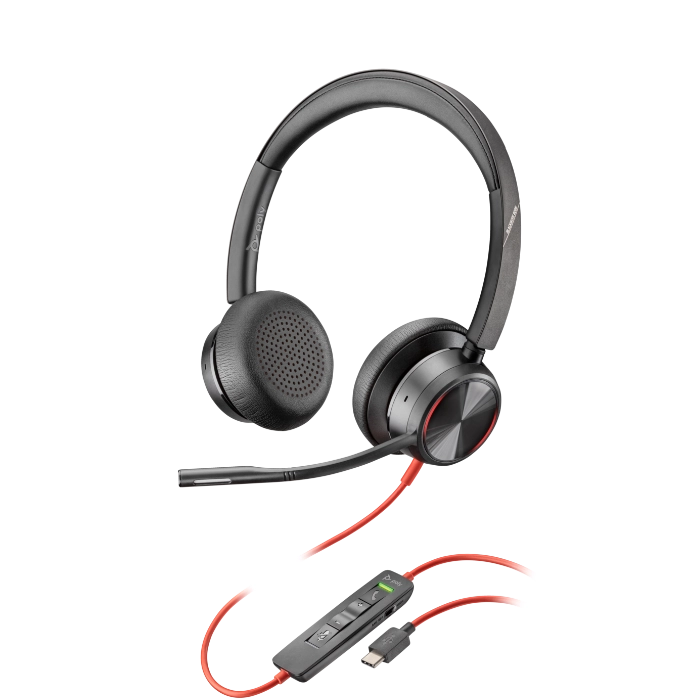 Poly Blackwire 8225 UC USB Headset
(Desk Phone + PC) & Teams Version
Select options
Poly Blackwire 8225 UC USB Headset
(Desk Phone + PC) & Teams Version
Select options -
$48.00
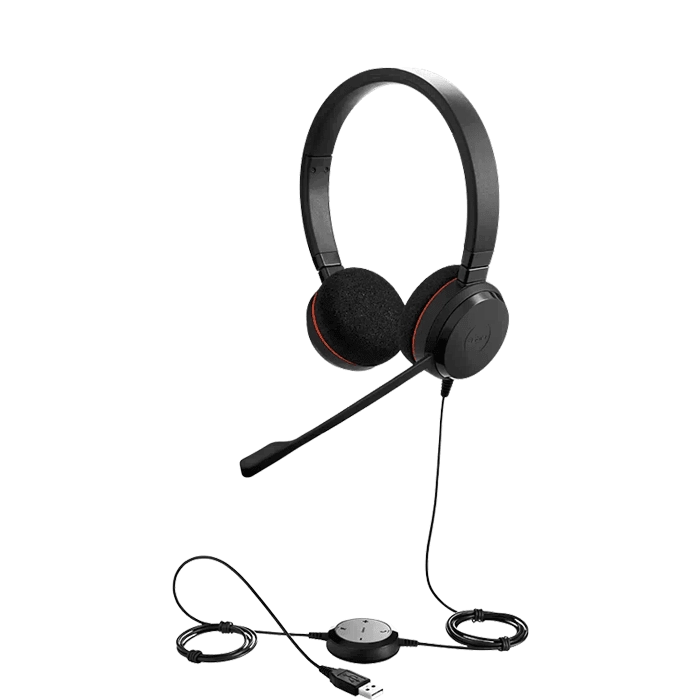 Jabra Evolve 20 USB Stereo Headset
(PC) & Teams Version
Select options
Jabra Evolve 20 USB Stereo Headset
(PC) & Teams Version
Select options -
$89.00
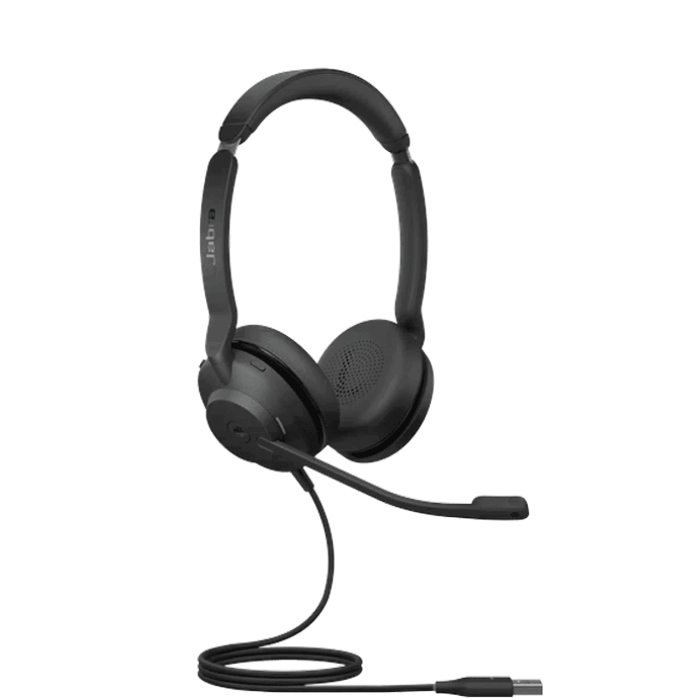 Jabra Evolve2 30 SE UC Stereo USB Headset
(PC) & Teams Version
Select options
Jabra Evolve2 30 SE UC Stereo USB Headset
(PC) & Teams Version
Select options
Wired Headsets for Your Office Desk Phone (In Stock):
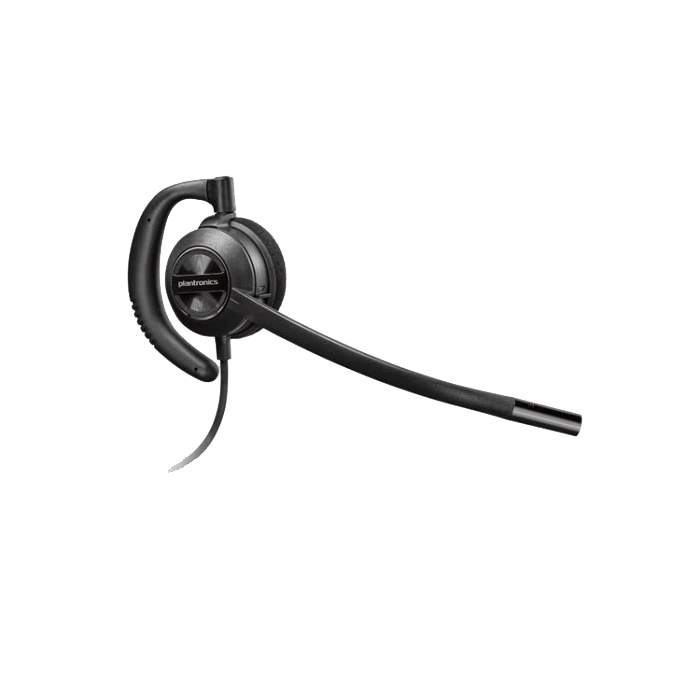
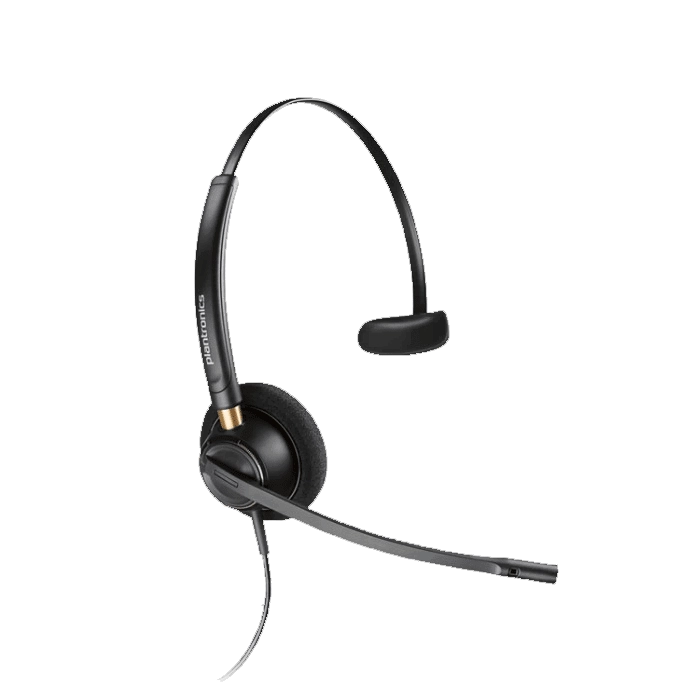
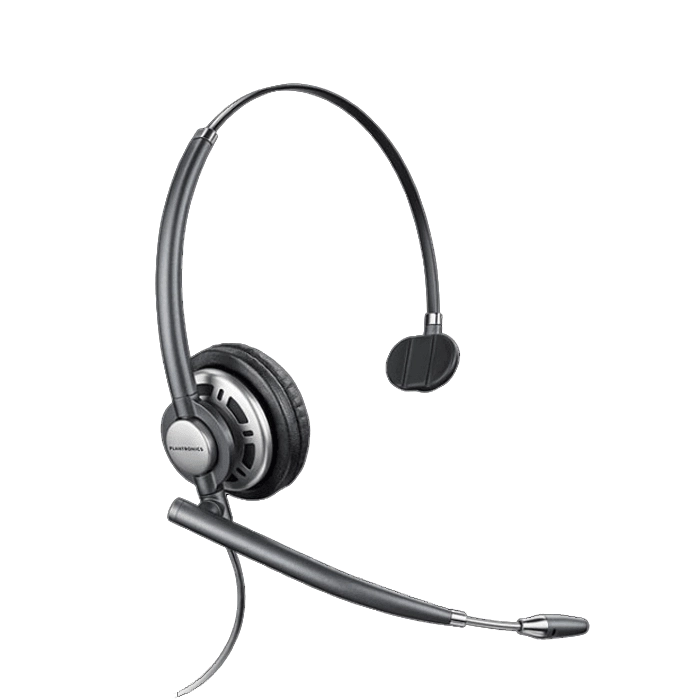
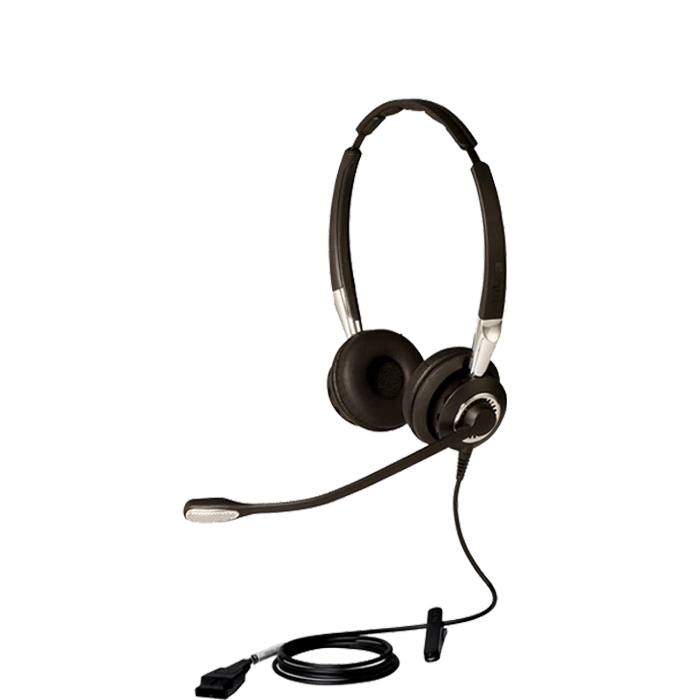
Wireless headsets are slightly more expensive but the benefit is the freedom to roam your office and accomplishing other tasks while continuing your calls. Most importantly when purchasing headsets for use in your office, wearing style and functionality are key. As for wearing style, you will want to decide between over-the-ear (tends to be lighter weight and lower profile) and over-the-head (tends to be more durable, longer battery life and best audio quality). As for functionality, will you only use it with your desk phone, or would you prefer a unit that connects to multiple devices, such as your desk phone, PC and mobile phone. Another key consideration with wireless headsets is the ability to add a cable or lifter which provides you remote call alerts, remote answer/hangup capabilities, and simplifying how you take calls.
As more companies move to VoIP and softphones, new models of headsets quickly followed. The most common configuration for softphone headsets are units that include a USB dongle for computer use, while also connecting to your mobile phone or tablet via Bluetooth connection. Above all, this simplifies your communications needs by only needing one headset. Wearing styles will include small, lightweight models that quickly fit over your ear, giving you a headset that easily stows away for travel. Other common options will include single or dual ear headbands and neckbands. Headband models will house larger batteries which provide greater talk time and with larger ear cushions, provide the best audio quality while also blocking out background noise around you. In comparison, neckband options are lighter in weight and allow users to pop one or two ear pieces in as needed to improve the ability to hear your callers better in loud environments.
Corded headsets have become a necessity for any business professional that spends time on the phone. You become much more productive having both hands free to write or type. When deciding on a particular model, your personal preference in wearing style and the amount of background noise you encounter will be the most important factors to consider. The louder your environment the more important a dual ear headset becomes to block out background noise, allowing you to hear your call and stay focused. For average to quiet environments, you can select from small, lightweight over-the-ear models to headband models providing better stability, sound quality, and comfort with added cushioning. In addition, convertible headsets are also popular giving you multiple wearing options to evaluate as you find the perfect all-day fit.
Computer headsets have many wearing options, connection types, and comfort ranges. You will find pricing typically groups headsets into good, better and best categories. Good headsets are less expensive, only connect via USB, use foam cushions with limited padding. Better headsets will connect to USB & 3.5mm devices, use leatherette cushions, and provide padding to improve comfort. Best headsets will greatly improve comfort, audio quality, and durability while adding benefits like digital sound and training capabilities. You will find wearing options ranging from over-the-ear, over-the-head covering one ear or two, and behind-the-neck. Many dual ear headsets will also include hi-fi audio with multiple channels therefore greatly improving your music and video listening experience.
Plantronics has been a communications equipment leader for nearly 60 years. Known for developing groundbreaking headsets for the aviation and space industry in America since the 1960s, Plantronics continues to design and manufacture high quality and innovative headsets for any type of application your business needs. These days, working “at the office” can mean working just about anywhere. More and more people are working from home, or remotely. This makes clear and reliable communication even more important. Plantronics headsets offer exactly that, clear, reliable communication with Bluetooth headsets and headphones, such as the Voyager 4300 series and the Voyager 5200 series. Plantronics DECT Wireless headsets offer noise cancelling benefits while keeping calls private, secure, and easy with the Savi Office Series. USB Headsets are lightweight, comfortable, and can connect to a variety of devices. The Blackwire series is comfortable for all day use, and the clear and crisp audio helps operators focus on productivity. Plantronics Encorepro line of call center headsets enable customer service representatives to hear and be heard clearly, comfortably, and effortlessly from the office or from home. Headsets Direct has been an Authorized Dealer for Plantronics products since 1996. Headsets Direct has a 30 Day Return Policy on core Plantronics equipment if you aren’t completely satisfied. We also offer discounted government pricing for Plantronics products. As authorized dealers of Plantronics headsets, we would enjoy educating you about the quality and comfort of Plantronics!
Headsets Direct Is Authorized/Certified To Provide the Following Brands:






Your Online Source for Quality Headsets
Headsets are not easy, but we're here to help. You must sort through numerous manufacturers and hundreds of choices and completely understand compatibility before you get down to your personal preferences of corded or cordless, over-ear or headband, and what your budget will allow.
When businesses or government agencies need wired headsets or wireless headsets for improved productivity, unique applications, or specific delivery dates, they immediately turn to Headsets Direct. Founded in 1996, Headsets Direct became an industry leader providing business-grade headset solutions with discounted prices and superior customer service. We offer cordless, corded, Bluetooth, and VoIP/PC headsets, with most models in stock and same-day shipping.
Office Headsets From Top Manufacturers
At Headsets Direct, you can find office headsets from a wide range of manufacturers. We specialize in brands that professionals know and trust. When you work with Headsets Direct, you have the confidence of dealing with an industry leader. We offer options like:
Poly headsets
Jabra headsets
Yealink headsets
Don't see what you're looking for? Be sure to contact us, and we'll help you identify the best work headsets for your circumstances.
Headsets for Business That Deliver Results
Headsets Direct is the original go-to source of headsets for business. We understand our customers' unique needs and create solutions that keep their employees on the phone and productive. Whether your staff is in the office or doing remote work, they can rely on our office headsets for the comfort and performance they need. We offer lightweight models and noise-canceling options to deal with background distractions.
Professionals of all kinds, including call center, customer service, and medical employees, appreciate the convenience and quality of our wired and wireless office headsets.
Work Headsets Backed by Superlative Service
Why are most other companies already using Headsets Direct? Our staff spends countless hours taking online training courses, has hands-on experience, and does continual product testing and training, making us one of a select few "Certified Headset Expert" companies.
Our goal is to find you the best possible solution, the first time, by knowing exactly which questions to ask to find you a compatible solution without the need for additional shipments and delays. Companies have many reasons for implementing work headsets, from productivity boosts and user satisfaction to reducing neck and shoulder pain. Headsets Direct can help narrow the options and simplify the process, ensuring your headset goals are met, and the value of your investment is maximized. We can help you identify the best headset for your business calls.
The above items represent a small example of how we help customers when unique situations arise. Whether based around a must-have delivery date, unique application, budget requirements, or simply no one else knows how to create what's needed, we provide solutions allowing you to get back to your daily tasks and job responsibilities.