
Wired Headset Cables & Amplifiers
Business grade headsets allow you to choose a headset based on your personal wearing style, budget and environment. Once you have your headset, a bottom cable or amplifier is needed to connect your headset to a deskphone, mobile phone or PC. The matching ends that plug together is called a quick disconnect. This also allows you the freedom to disconnect during calls while leaving your headset on and perfectly positioned. You can grab a file or talk to a co-worker then simply return to your desk and re-connect the headset and continue your call.
Showing 1–16 of 33 results
-
$154.84
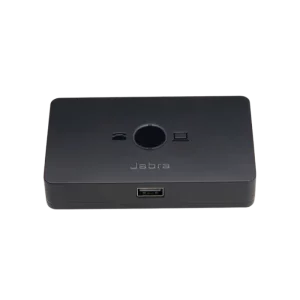 Jabra Link 950 Adapter(Deskphone/PC) (USB-A + USB-C)Select options
 -
$27.95
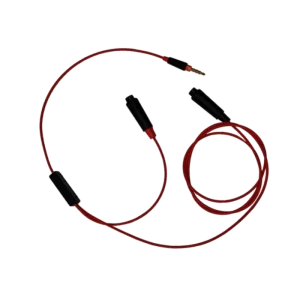 Poly 3.5mm Y-Training CableAdd to cart
 -
$41.38
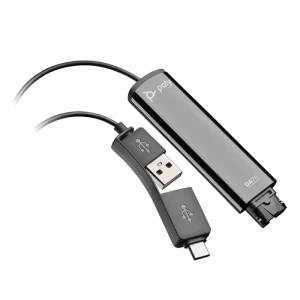 Poly DA75 USB Adapter(USB-A & USB-C)Add to cart
 -
$69.18
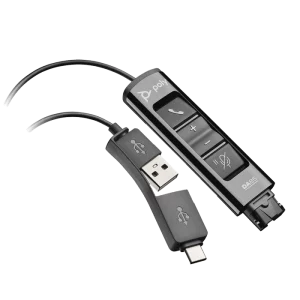 Poly DA85 USB Adapter(USB-A & USB-C) + Microsoft Teams ButtonSelect options
 -
$91.44
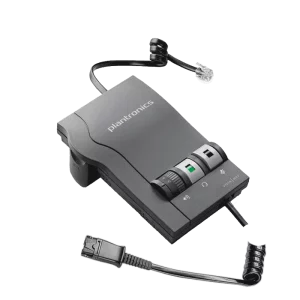 Poly M22 Vista AmplifierAdd to cart
 -
$30.82
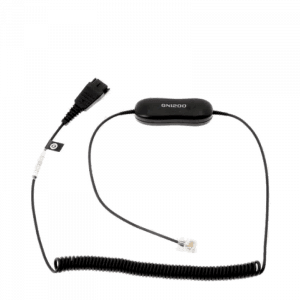 Jabra GN1200 CC – 88011-99Add to cart
 -
$39.29
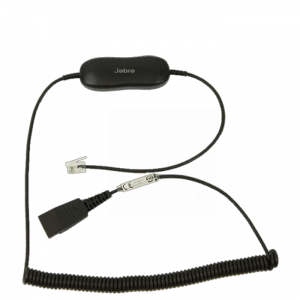 Jabra GN1216 Avaya Cable – 88001-04Add to cart
 -
$31.44
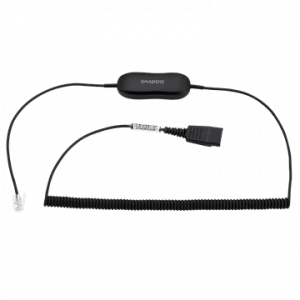 Jabra GN1218 AC Attenuation Coiled 2mAdd to cart
 -
$182.00
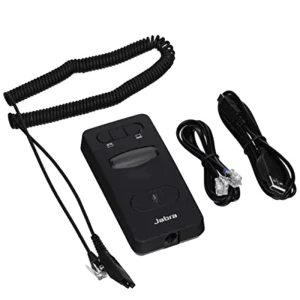 Jabra Link 860 Audio Processor(Deskphone & PC)Add to cart
 -
$56.82
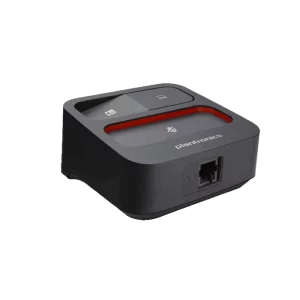 Poly MDA100 QD Switch(Deskphone+PC)Add to cart
 -
$113.69
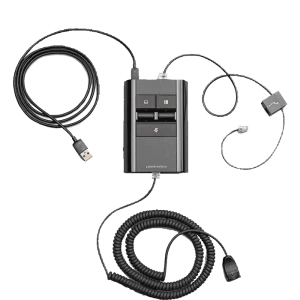 Poly MDA524 QD Audio Processor(Desk Phone + PC)Select options
 -
$113.69
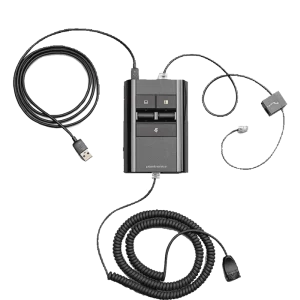 Poly MDA526 QD Digital Audio Processor(Desk Phone + PC)Select options
 -
$113.69
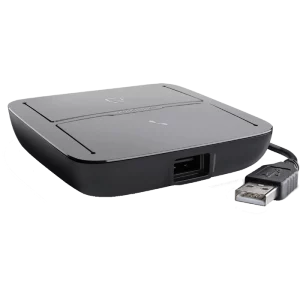 Poly MDA220 USB Adapter(Deskphone+PC)Add to cart
 -
$21.00
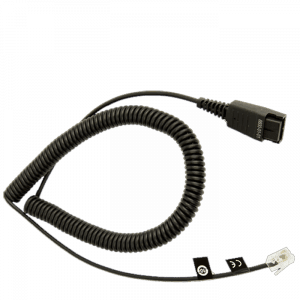 Jabra 8800-01-01 Direct CableAdd to cart
 -
$21.00
Jabra 8800-01-37 Direct CableAdd to cart
-
$102.46
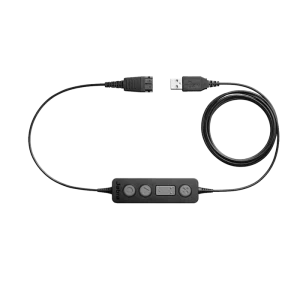 Jabra Link 260 USB Headset Adapter(USB & Microsoft)Select options
If your company ever changes phone systems or moves to the cloud using a computer softphone, you can simply replace your old amp or bottom cable with a new compatible amp or cable and continue using your same headset. USB adapters and deskphone amplifiers have different price points dependent upon built-in features, like volume and mute controls. With USB amplifiers, you no longer need to concern yourself with compatibility, because USB technology simplifies the process; you simply plug your headset in, your PC downloads and installs the appropriate drivers, and you’re free to use your new headsets and corded USB adapters in minutes. The only consideration is if you have a USB-A or newer USB-C port to plug into.
You will also have the option of wired USB adapters that allow one headset to plug into both your desk phone and your PC. This lets you toggle between devices with the push of a button while avoiding the use of multiple headsets for different devices. Using wired USB amplifiers that switch between devices will come in handy as you transition from desk phones to softphones. With these devices, you’re connected to desk phones and softphones at the same time and can gradually move away from desk phones as you become more comfortable with your softphones.
Y-Training cables are a great and inexpensive way to allow new hires to listen in on calls and get up to speed much quicker. It's a huge advantage to listen into live calls of experienced agents to learn what kinds of questions callers have and how to answer or defer to other departments.
You will also have the option of wired USB adapters that allow one headset to plug into both your desk phone and your PC. This lets you toggle between devices with the push of a button while avoiding the use of multiple headsets for different devices. Using wired USB amplifiers that switch between devices will come in handy as you transition from desk phones to softphones. With these devices, you’re connected to desk phones and softphones at the same time and can gradually move away from desk phones as you become more comfortable with your softphones.
Y-Training cables are a great and inexpensive way to allow new hires to listen in on calls and get up to speed much quicker. It's a huge advantage to listen into live calls of experienced agents to learn what kinds of questions callers have and how to answer or defer to other departments.